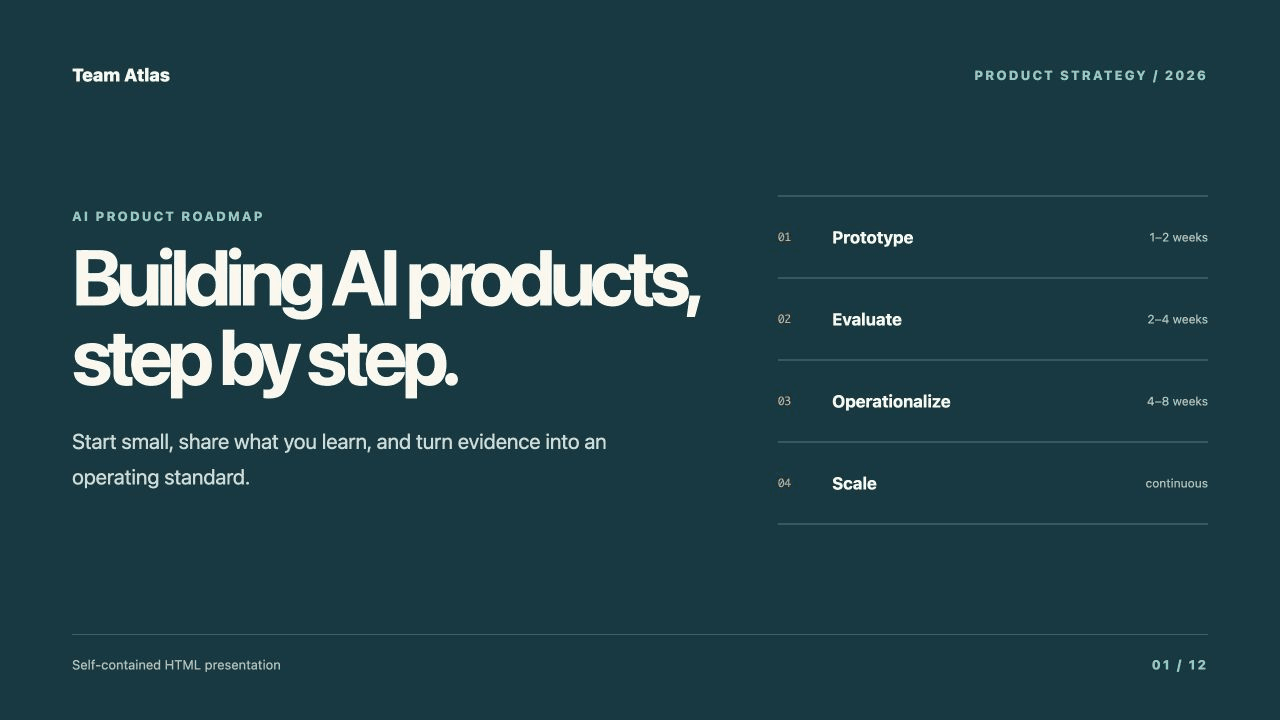
ARCHITECTURE + ROADMAP SAMPLE
Review an illustrative roadmap proposal that keeps changing.
Use one latest URL while a roadmap proposal changes, then preserve the fixed version behind the decision and the next AI task.
Explore the workflowWORKING EXAMPLES
Open a working HTML sample before you sign up. See how a stable review link and fixed versions help your team use the work again.
Browse the examplesTHREE REVIEW PROBLEMS
Each example is a complete, non-sensitive HTML file. Open the sample, see why latest and fixed URLs matter, then use the same Quickstart for your own artifact.
ARCHITECTURE + ROADMAP SAMPLE
Use one latest URL while a roadmap proposal changes, then preserve the fixed version behind the decision and the next AI task.
Explore the workflow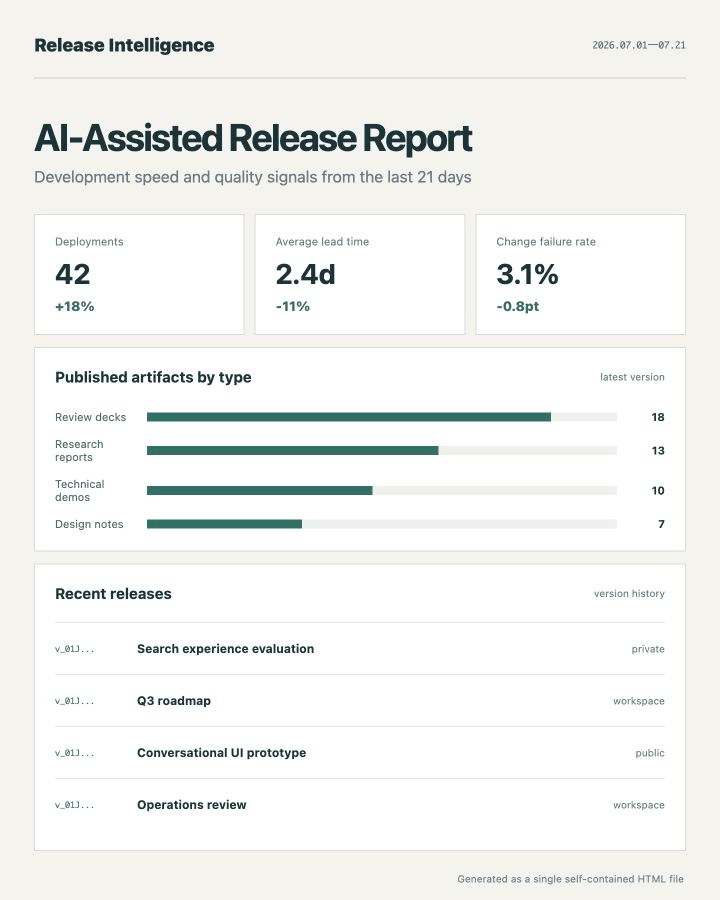
RELEASE REPORT SAMPLE
Give a changing release report one latest URL, then keep a fixed URL for every published state that a person or later agent needs to reopen.
Explore the workflow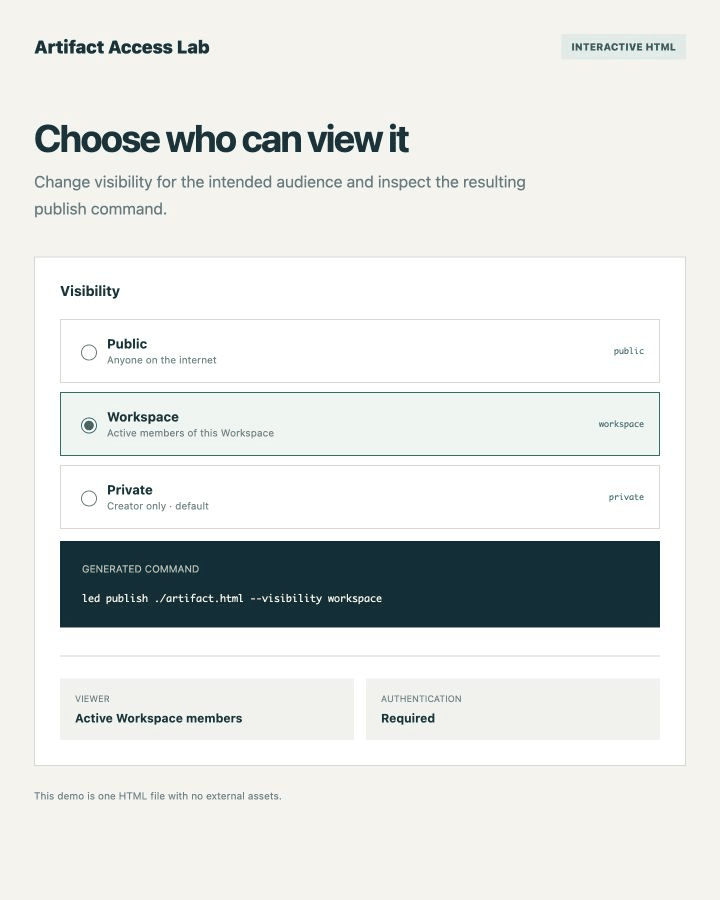
VISIBILITY SAMPLE
Compare public, Workspace, and private visibility with a working HTML example before publishing a real artifact.
Explore the workflow